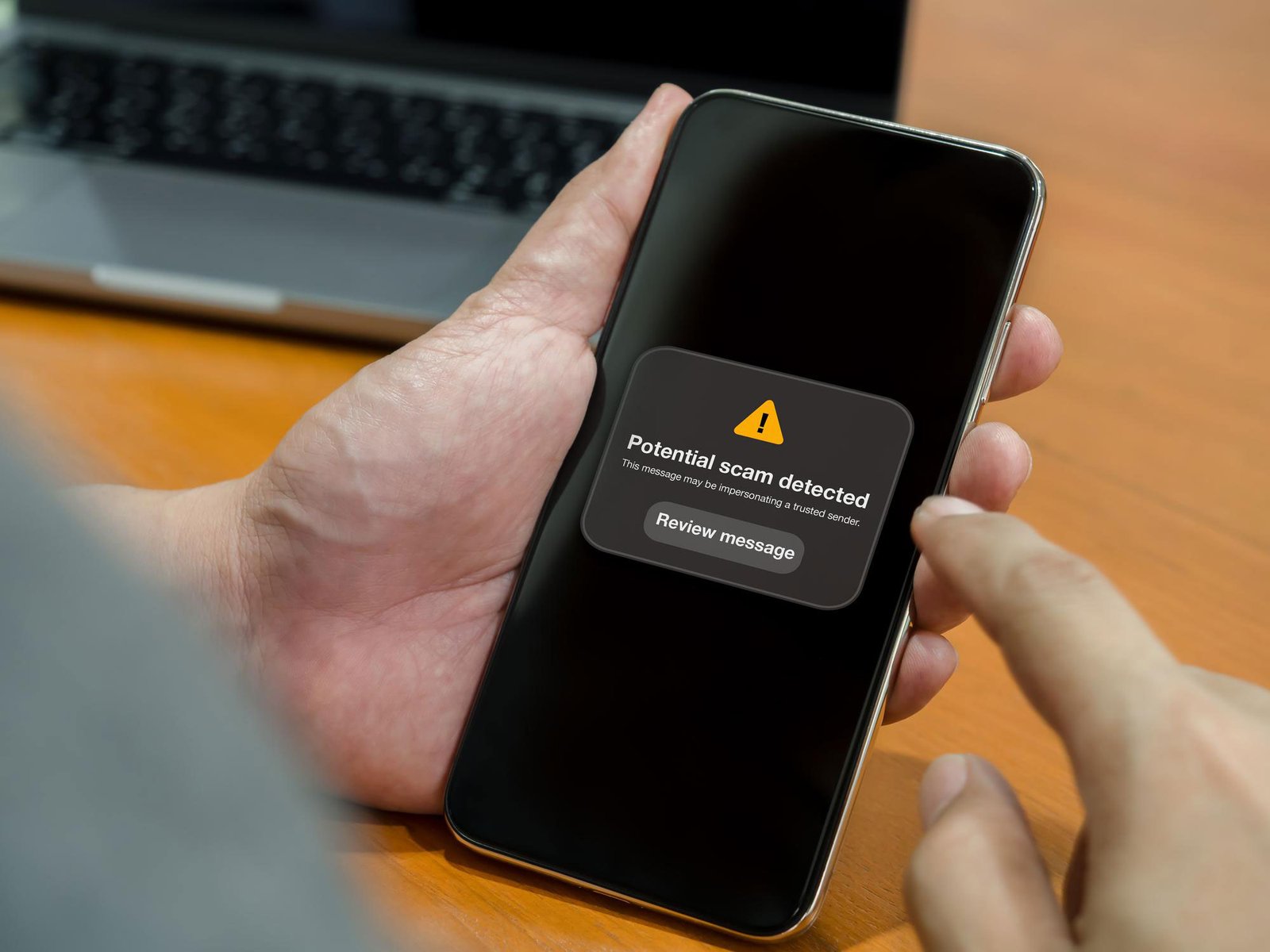
WhatsApp is widely used in Pakistan for personal conversations, family groups, business communication, and online shopping. However, scammers may use fake messages, suspicious links, impersonation, and verification-code tricks to steal accounts or deceive users into sending money.
Learning how to protect your WhatsApp account from scams in Pakistan can help you secure your personal information, protect your contacts, and reduce the risk of financial loss.
In this guide, you will learn how WhatsApp scams work, how to secure your account, what to do if someone tries to hack it, and where to report online fraud in Pakistan.
What Are WhatsApp Scams?
WhatsApp scams are fraudulent messages, calls, or activities designed to steal personal information, gain unauthorized account access, or trick people into transferring money.
Scammers may pretend to be a friend, relative, bank representative, delivery company, online seller, or government department. They often create urgency so that the victim acts without checking whether the request is genuine.
Common examples include:
- Messages asking you to share a WhatsApp verification code.
- Fake prize, lottery, or giveaway notifications.
- Suspicious links claiming your account will be blocked.
- Requests for emergency money from a compromised contact.
- Fake job offers promising unusually high salaries.
- Messages impersonating government assistance programmes.
- Requests for bank details, PINs, passwords, or one-time passwords (OTPs).
Pakistan’s National Cyber Crime Investigation Agency warns users about phishing, identity theft, and online financial fraud. Treat unexpected requests for sensitive information or money with caution.
1. Never Share Your WhatsApp Verification Code
One of the most important steps to protect your WhatsApp account is to keep your registration verification code private.
When you register your phone number, WhatsApp may send you a verification code. A scammer might call or message you pretending to be a friend, support agent, or official representative and ask you to share that code.
Never share your WhatsApp verification code with anyone.
If someone asks for the code, even if their message appears to come from a person you know, verify the situation through another trusted channel.
Also avoid sharing banking OTPs, ATM PINs, passwords, or other security credentials.
2. Enable Two-Step Verification
Two-step verification adds an additional layer of protection to your WhatsApp account.
To enable it:
- Open WhatsApp on your phone.
- Open Settings.
- Select Account, if this option appears in your version.
- Choose Two-step verification.
- Follow the instructions to configure the additional security credential.
- Add a recovery email if WhatsApp offers the option.
WhatsApp’s security features may change as updates are released, so follow the options shown in your current app.
Choose a strong, private credential and never share it with anyone. If passkeys or newer security options are available on your device, review them as well.
3. Check Your Linked Devices Regularly
WhatsApp allows users to connect additional devices. If you accidentally approve an unknown session, someone else may be able to access your account through that connection.
To review linked devices:
- Open WhatsApp on your phone.
- Open Settings or the main menu.
- Select Linked Devices.
- Review the list of connected devices.
- Log out any device you do not recognize.
Check this section regularly, particularly if you have scanned a QR code on a public computer or received a suspicious message asking you to connect your account.
Only link devices you trust.
4. Avoid Suspicious Links and Fake Websites
Scammers frequently send links that imitate official websites or well-known services. A message may claim that your SIM will be blocked, a payment is waiting, your parcel needs confirmation, or you must verify your account immediately.
Before opening a link:
- Check the complete website address.
- Do not enter passwords or banking details on unfamiliar websites.
- Avoid downloading unknown APK files or applications sent through messages.
- Visit official websites directly instead of using unexpected links.
- Be cautious of shortened URLs and urgent warnings.
- Never assume a website is genuine simply because it uses HTTPS.
For example, to check a phone’s PTA registration status, use the official DIRBS website at https://dirbs.pta.gov.pk rather than a link sent by an unknown number.
5. Verify Requests for Money
A scammer who gains access to someone’s WhatsApp account may contact their friends or relatives and request urgent financial help.
The message might say that a person has an emergency, needs a quick loan, or cannot receive a bank transfer.
Before sending money:
- Call the person using their usual phone number.
- Confirm the reason for the request.
- Verify the recipient’s account details.
- Be cautious if the person refuses a voice or video call.
- Do not let emotional pressure force you into a rushed payment.
Even if a message comes from a familiar account, verify unusual requests independently.
6. Never Trust Guaranteed Prize or Job Offers
Fraudulent messages may promise free mobile phones, cash prizes, government payments, overseas jobs, or unusually high earnings.
Some ask for a registration fee, processing charge, personal documents, or bank information before releasing the supposed benefit.
Before responding, check whether the offer appears on the organization’s official website or verified communication channel.
Remember these warning signs:
- You are told you have won a prize you never entered.
- You must pay money to receive a supposedly free reward.
- The sender asks for sensitive information without a clear reason.
- You are pressured to act immediately.
- The offer promises guaranteed profits or unrealistic salaries.
Never send money or identity documents to an unverified person simply because an offer arrives through WhatsApp.
7. Keep WhatsApp and Your Phone Updated
Software updates can include security improvements and bug fixes.
To reduce security risks:
- Install WhatsApp updates from the official Google Play Store or Apple App Store.
- Keep your phone’s operating system updated.
- Avoid unofficial or modified WhatsApp applications.
- Use a screen lock, fingerprint, or other supported device security feature.
- Review your privacy settings.
- Remove applications you do not trust.
Avoid installing apps that promise to hack accounts, reveal private messages, or provide unauthorized access to another person’s WhatsApp.
8. Improve Your WhatsApp Privacy Settings
Privacy settings can help limit unwanted contact and reduce exposure to suspicious activity.
Review the available settings for:
- Profile photo: Limit who can see it.
- Last seen and online: Restrict visibility where appropriate.
- Groups: Control who can add you to groups.
- Calls: Use available options to silence unknown callers if suitable.
- App lock: Enable supported biometric or device-lock features.
- Notifications: Avoid displaying sensitive message content on a locked screen.
The names and availability of these controls may vary by device and app version.
9. What to Do If Your WhatsApp Account Is Hacked
If you suspect someone has taken over your WhatsApp account, act quickly.
Step 1: Try to register your phone number again
Open the official WhatsApp application and follow the phone-number verification process. Enter the verification code sent to your number yourself; never give it to another person.
Re-registering may help regain control and log out an unauthorized primary session. Follow any additional instructions displayed by WhatsApp.
Step 2: Review linked devices
Once you regain access, open Linked Devices and log out unfamiliar sessions.
Step 3: Warn your contacts
Use a phone call, SMS, or another trusted channel to tell family members and colleagues not to send money or share information in response to suspicious messages from your account.
Step 4: Secure related accounts
Change compromised passwords, secure your email account, review banking activity, and contact your bank immediately if you suspect unauthorized transactions.
If your SIM suddenly stops working or you suspect SIM-related fraud, contact your mobile operator through its official support channel.
Step 5: Report the incident
Keep screenshots, suspicious phone numbers, transaction records, and relevant messages as evidence. Do not delete important evidence before documenting it.
You can submit a cybercrime complaint through Pakistan’s National Cyber Crime Investigation Agency at https://complaint.nccia.gov.pk.
The NCCIA also lists its cybercrime helpline as 1799. Confirm current contact information through the official agency website.
10. How to Recognize a WhatsApp Scam
Look for these common warning signs:
| Warning sign | What you should do |
|---|---|
| Someone asks for your verification code | Do not share it |
| A message demands immediate payment | Verify independently |
| An unknown link requests your password | Do not enter your details |
| A friend suddenly asks for money | Call them directly |
| A prize requires an advance fee | Check the offer and avoid paying |
| An unknown device appears in Linked Devices | Log it out |
| A caller claims to be an official and requests an OTP | Refuse and contact the organization through an official channel |
One warning sign does not automatically prove that a message is fraudulent, but unexpected requests involving money or security credentials deserve extra caution.
Frequently Asked Questions
Can someone hack my WhatsApp without my permission?
Unauthorized access can happen through social engineering, stolen verification codes, compromised devices, or malicious links and applications. Use strong security settings and never approve unfamiliar login requests.
How can I tell if someone is using my WhatsApp account?
Check Linked Devices for unfamiliar sessions. Also investigate unexpected messages sent from your account or reports from contacts that you have requested money or information when you did not.
Should I share my WhatsApp OTP with customer support?
No. Never share your WhatsApp verification code with another person. Be cautious of anyone who claims they need the code to verify your identity or fix your account.
What should I do if a scammer steals money through WhatsApp?
Contact your bank or payment provider immediately and request guidance on securing the account and reporting the transaction. Preserve evidence and file a complaint through the relevant official channels, including the NCCIA where appropriate.
Where can I report WhatsApp scams in Pakistan?
You can submit a complaint through the National Cyber Crime Investigation Agency’s official portal at https://complaint.nccia.gov.pk. Keep relevant screenshots, phone numbers, and transaction records.
Is WhatsApp safe for personal and business communication?
WhatsApp provides security features, including end-to-end encryption for personal messages, but users can still be deceived into sharing credentials, approving unwanted access, or sending money. Safe usage requires account security, careful verification, and awareness of scams.
Final Thoughts
Protecting your WhatsApp account from scams in Pakistan starts with a few simple habits: never share verification codes, enable two-step verification, review linked devices, avoid suspicious links, and independently verify requests for money.
If you suspect unauthorized access, act quickly to recover your account, warn your contacts, secure related accounts, and report the incident through official channels.
Share these safety tips with family members and friends so they can recognize suspicious messages and use WhatsApp more securely.
Disclaimer: This article is for general educational purposes. Security features and reporting procedures may change, so consult the official WhatsApp and NCCIA websites for current instructions.
References
WhatsApp Help Center — Check Linked Devices
National Cyber Crime Investigation Agency — Financial Frauds
Pakistan National CERT — WhatsApp Account Hijacking Advisory
WhatsApp Help Center — Account Security
About the Author