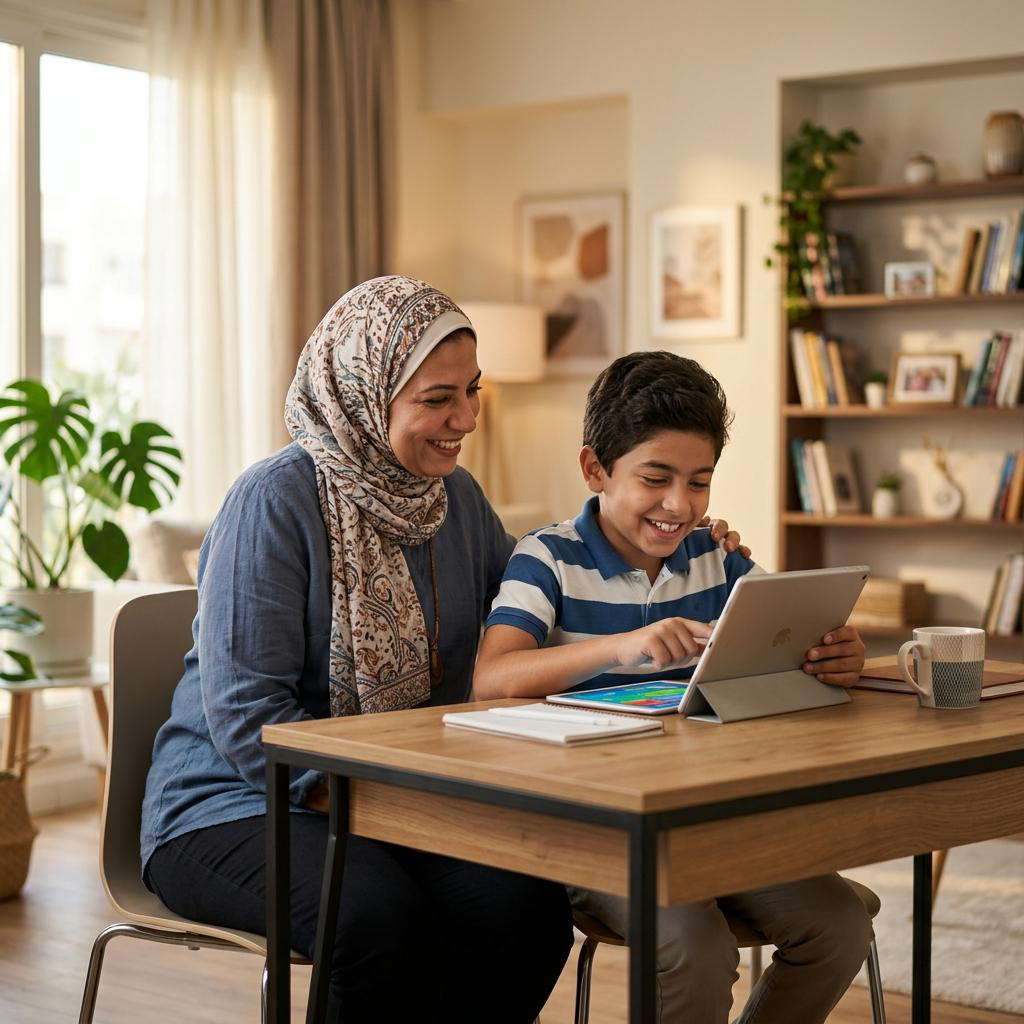
The internet provides children with valuable opportunities to learn, communicate, play games, and explore new interests. However, spending time online can also expose children to cyberbullying, online scams, inappropriate content, strangers, privacy risks, and misleading information.
In Pakistan, smartphones, social media platforms, video-sharing apps, and online games are part of everyday life for many families. Parents need practical ways to help children use these services safely without preventing them from learning and enjoying technology.
This guide explains how to keep children safe online in Pakistan in 2026, including parental controls, privacy settings, online gaming safety, social media risks, and steps parents can take if something goes wrong.
Why Is Online Safety Important for Children?
Children may not always recognize when an online interaction is unsafe. Someone pretending to be another child, a fake giveaway, or a suspicious gaming message may appear harmless at first.
Common online risks include:
- Cyberbullying: Insulting, threatening, or humiliating someone through digital platforms.
- Online grooming: When someone builds trust with a child to manipulate or exploit them.
- Privacy violations: Sharing personal information, photographs, school details, or location publicly.
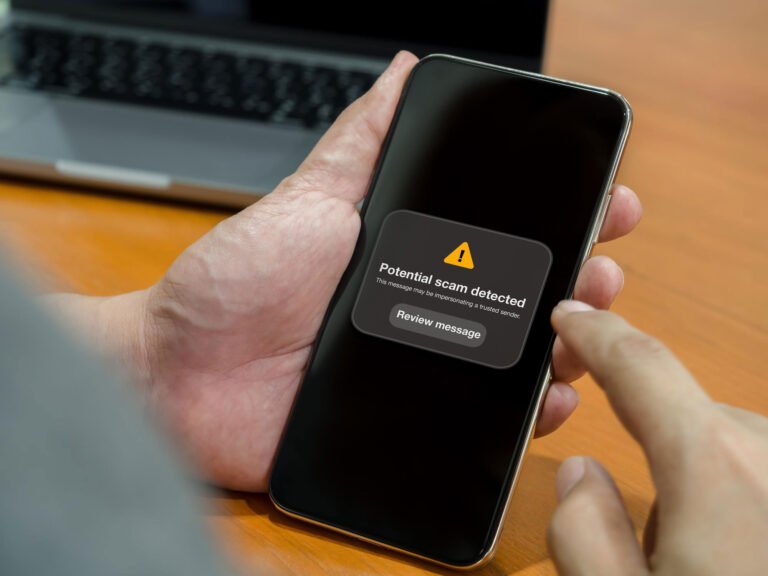
- Online scams: Fake prizes, fraudulent offers, suspicious links, and requests for money.
- Inappropriate content: Videos, images, or messages that are unsuitable for a child’s age.
- AI-generated fake content: Manipulated images, videos, or audio used to embarrass, impersonate, or threaten someone.
- Gaming risks: Unwanted contact through multiplayer games, chat features, and gaming communities.
A report published by Dawn on October 2, 2026, discussed children’s digital activity in Pakistan and highlighted risks involving online platforms, gaming, phishing, and artificial intelligence. These concerns make digital awareness an important part of modern parenting.
1. Talk to Your Children About Online Safety
One of the most effective ways to protect children online is to maintain open communication.
Children should understand that they can tell a parent, guardian, or another trusted adult if something online makes them uncomfortable.
Explain these basic rules in language appropriate for their age:
- Do not share your home address or live location with strangers.
- Never share passwords, verification codes, or private family information.
- Do not agree to meet an online friend without a trusted adult’s involvement.
- Tell an adult if someone asks for private photographs.
- Do not respond to threats, blackmail, or uncomfortable messages alone.
- Ask for help before downloading unfamiliar apps or files.
Avoid responding with anger when a child reports a problem. If children fear punishment, they may hide future incidents instead of asking for help.
2. Use Parental Controls on Phones and Tablets
Parental controls can help families manage screen time, restrict certain content, and review app permissions.
The right setup depends on the child’s age, device, and the applications they use.
For Android devices
Google Family Link provides parental supervision features for eligible child accounts and devices.
Parents can review available options for:
- Managing screen time.
- Setting downtime or device limits.
- Approving eligible app downloads.
- Reviewing supported app activity.
- Managing certain content restrictions.
- Locating a supervised device when supported and enabled.
Visit Google’s official Family Link page for current features and setup instructions:
https://families.google/familylink
For iPhones and iPads
Apple provides Screen Time controls that help parents manage a child’s device usage.
Depending on the device and configuration, parents can:
- Set app and website limits.
- Schedule downtime.
- Restrict certain content.
- Manage communication and privacy settings.
- Prevent unauthorized purchases or account changes.
Official instructions are available at:
https://support.apple.com/en-us/108806
Remember that parental controls are helpful tools, not complete protection. They work best when combined with communication and age-appropriate supervision.
3. Make Social Media Accounts More Private
Social media can help children communicate and explore their interests, but public profiles may expose information to strangers.
Before allowing a child to use a platform, review its minimum-age requirements and safety policies.
Where an account is permitted, review the available privacy controls:
- Set the account to private when appropriate.
- Limit who can send messages or contact the child.
- Review who can comment on posts and videos.
- Restrict location sharing.
- Review tagging and mention settings.
- Disable unnecessary public profile information.
- Teach the child how to block and report accounts.
Do not assume that an account is safe simply because the profile belongs to someone who appears to be the child’s age.
Never ask children to share their passwords casually with friends or strangers. Parents should agree on a clear, age-appropriate approach to account supervision.
4. Protect Children While They Play Online Games
Online games can be entertaining and educational, but multiplayer games sometimes include voice chat, text messages, public communities, and contact with strangers.
A child may encounter someone who asks personal questions, offers gifts, requests private photographs, or encourages conversations to move to another platform.
Parents can reduce these risks by following a few practical steps:
- Review the game’s age rating and safety features.
- Disable voice or text chat when it is unnecessary.
- Use private or trusted-player settings where available.
- Avoid sharing real names, school names, addresses, or phone numbers.
- Explain why virtual rewards and gifts should not be exchanged for personal information.
- Teach children to leave uncomfortable conversations immediately.
- Review in-game purchases and payment permissions.
Ask children which games they enjoy and how they interact with other players. This makes safety discussions more natural than simply banning every online game.
5. Teach Children to Recognize Fake Messages and Scams
Children may receive messages promising free game currency, expensive phones, prizes, gift cards, or special rewards.
Some scams direct users to fake websites that request passwords or personal information. Others encourage users to download unsafe applications.
Teach children to recognize warning signs such as:
- A reward that requires a password or verification code.
- A stranger asking for money.
- A link promising free rewards that seems too good to be true.
- A message demanding immediate action.
- An unknown person requesting photographs or personal details.
- An offer requiring the installation of an unfamiliar file.
Encourage children to ask a trusted adult before clicking unfamiliar links or accepting offers from unknown accounts.
Parents can also read our related guide on protecting WhatsApp accounts from scams in Pakistan.
6. Protect Children’s Photos and Personal Information
Photographs and videos shared online can sometimes be copied, edited, or distributed beyond the intended audience.
Artificial intelligence has made it easier to manipulate images and create misleading content using someone’s appearance or voice.
Before posting a child’s photograph, consider whether it reveals their school uniform, home address, daily routine, location, or other identifying details.
Follow these precautions:
- Avoid publishing a child’s full name alongside identifying details.
- Do not publicly share school schedules or regular travel routes.
- Disable unnecessary location information in photographs and apps.
- Review who can download, share, or comment on posted content.
- Ask older children for their views before sharing their photographs.
- Explain that content shared privately can still be copied or forwarded.
If a child’s image is manipulated or used for harassment, save relevant evidence and report the content through the platform’s official reporting process.
7. Set Healthy Screen-Time Rules
Online safety is not only about preventing scams. Children also need enough time for sleep, physical activity, education, family interaction, and offline play.
A practical family screen-time plan can include:
- No unnecessary phone use during meals.
- A device-free period before bedtime.
- Regular breaks during long gaming or study sessions.
- Age-appropriate limits for entertainment apps.
- Time for outdoor activities and face-to-face interaction.
- Separate rules for schoolwork and recreational screen use.
There is no single screen-time limit that is appropriate for every child and every situation. Consider the child’s age, development, sleep, school responsibilities, and the quality of the content.
For younger children, adult participation and co-viewing can be more useful than simply handing over a device.
8. Recognize Signs of Cyberbullying
Cyberbullying can occur through messages, social media comments, gaming chats, group conversations, or shared photographs.
Possible warning signs include:
- A child becomes upset after using a phone.
- They suddenly avoid a particular app or group.
- They appear worried about messages or notifications.
- They become unusually secretive about an online interaction.
- Their sleep, schoolwork, or relationships are affected.
These signs do not necessarily mean cyberbullying is happening, but they may indicate that a supportive conversation is needed.
If bullying occurs:
- Listen to the child without blaming them.
- Save relevant screenshots and messages.
- Block the offending account where appropriate.
- Report the behaviour to the platform.
- Contact the school if classmates are involved.
- Seek appropriate professional or legal help if there are serious threats, exploitation, or persistent harassment.
Do not encourage a child to retaliate or publish the other person’s private information.
9. What Should Parents Do If a Child Is Threatened Online?
If someone threatens, blackmails, harasses, or attempts to exploit a child, take the situation seriously.
Follow these steps:
- Ensure the child’s immediate safety. Remove them from an ongoing threatening interaction and seek emergency assistance if necessary.
- Listen calmly. Reassure the child that asking for help was the right decision.
- Preserve evidence. Keep screenshots, usernames, dates, messages, and relevant links. Avoid circulating sensitive images.
- Stop unnecessary contact. Block or restrict the account when appropriate, without destroying important evidence.
- Report the account. Use the platform’s reporting tools.
- Seek official help. For suspected online exploitation, serious threats, blackmail, or cybercrime in Pakistan, consult the relevant authorities through their verified official channels.
Pakistan’s National Cyber Crime Investigation Agency provides an official complaint portal:
https://complaint.nccia.gov.pk
For immediate danger, contact local emergency services. Do not rely solely on a social media platform’s response when a child faces a real-world safety threat.
10. Create a Family Internet Safety Agreement
A simple family agreement can help children understand expectations and encourage responsible internet use.
The agreement might include these rules:
- We do not share passwords or verification codes with strangers.
- We ask before installing unfamiliar applications.
- We do not share private photographs with unknown people.
- We tell a trusted adult about threats or uncomfortable messages.
- We do not meet online contacts without appropriate adult involvement.
- We respect others and do not participate in cyberbullying.
- We balance screen time with sleep, study, exercise, and family time.
- We report harmful content rather than forwarding it.
Review the agreement as children grow and begin using new platforms.
Frequently Asked Questions
How can I keep my child safe on the internet in Pakistan?
Talk regularly about online risks, review privacy settings, use suitable parental controls, supervise age-appropriate activities, and encourage children to report uncomfortable interactions.
Which parental control app is useful for children?
Google Family Link is an option for eligible Android devices and child accounts. Apple Screen Time offers controls for supported Apple devices. Choose tools based on your child’s age, device, and needs.
What should I do if someone blackmails my child online?
Keep relevant evidence, avoid blaming the child, report the account, and contact the appropriate authorities if exploitation or threats are involved. Do not distribute intimate or sensitive images as evidence.
Should children be allowed to use social media?
That depends on the child’s age, the platform’s minimum-age requirements, maturity, and the family’s ability to supervise safe use. Review the relevant service’s current policies before creating an account.
How can I protect my child from dangerous people in online games?
Review the game’s communication settings, restrict contact with strangers where possible, avoid sharing personal information, and teach the child to leave and report uncomfortable conversations.
Can artificial intelligence create fake pictures of children?
AI tools can be misused to manipulate photographs or create misleading images. Limit unnecessary sharing of identifiable images, report abusive material, and seek official help if images are used for threats or exploitation.
Where can I report online harassment in Pakistan?
Start with the platform’s reporting tools. For suspected cybercrime, exploitation, or serious online threats, consult the National Cyber Crime Investigation Agency at https://complaint.nccia.gov.pk/ and verify the current reporting procedure.
Conclusion
Keeping children safe online in Pakistan requires a combination of digital awareness, privacy settings, parental controls, and open communication.
Parents cannot prevent every online risk, but they can help children recognize unsafe situations and feel comfortable asking for assistance. Teach children to protect personal information, avoid suspicious links, use games and social media responsibly, and report threats without fear.
A safer digital environment begins at home when children and adults work together to build healthy online habits.
Disclaimer: This article provides general educational information and is not a substitute for professional, legal, or emergency assistance. Platform features and official reporting procedures may change; check the relevant official sources for current instructions.
References
- Dawn — Pakistani children increasingly exposed to online risks, survey finds
- Dawn — Child safety online
- Google Family Link — Official parental controls
- Apple — Use parental controls on your child’s iPhone or iPad
- National Cyber Crime Investigation Agency — Complaint Portal
About the Author