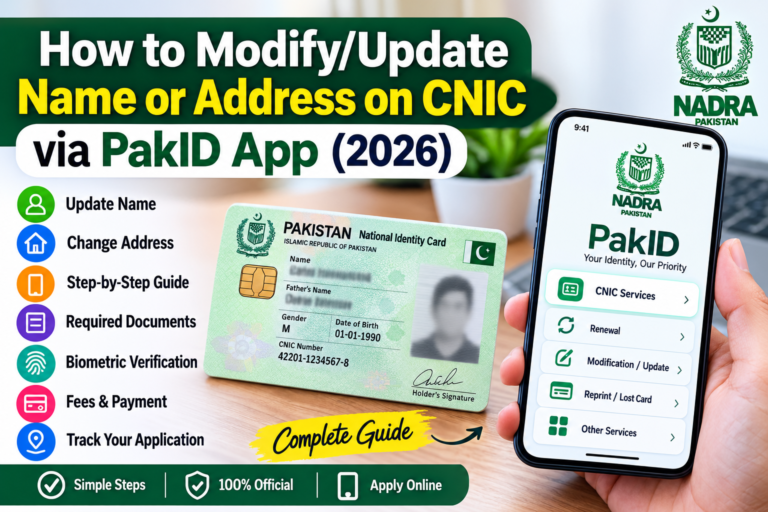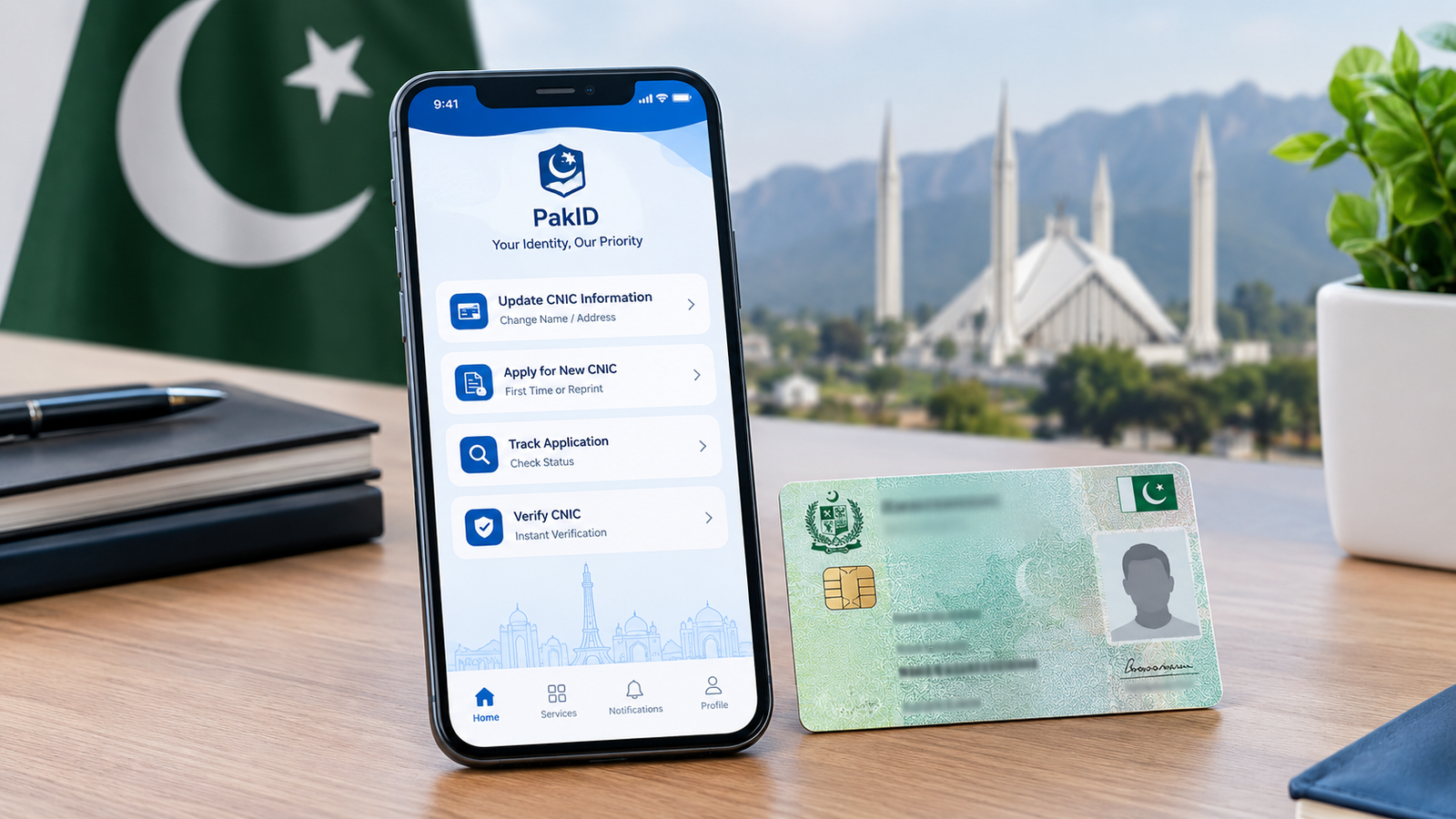
If you need to change your name or update your address on your CNIC, you may not need to visit a NADRA Registration Centre immediately. NADRA’s official PakID mobile application allows eligible citizens to submit applications for CNIC modification and other identity-document services online.
The PakID app is NADRA’s official digital platform for applying for identity documents, uploading supporting documents, completing identity verification steps, making payments where applicable, and tracking applications. NADRA currently lists CNIC Modification as an available PakID service.
In this guide, we explain how to modify your name or address on CNIC through the Pak-Identity/PakID App, what documents may be required, the current fee structure, processing time, and what to do if your application requires additional verification.
What Is CNIC Modification?
CNIC modification means updating information already recorded in NADRA’s identity database.
Depending on your circumstances and NADRA’s eligibility and verification requirements, modification may involve changes to information such as:
- Name
- Address
- Other eligible identity information
- Certain personal details that require modification rather than simple renewal
NADRA officially lists Renewal, Modification, Reprint/Lost and other identity services through PakID.
If your CNIC information is no longer correct—for example, you have moved to a new address or your legal name has changed—you should make sure the information is updated in the NADRA record.
Can You Change Your CNIC Name or Address Online?
Yes, CNIC modification can be initiated through the official PakID mobile app, subject to the particular modification being eligible for online processing and NADRA’s verification requirements.
NADRA describes PakID as its official mobile application for identity services and specifically lists CNIC Modification among the services available through the platform.
However, not every case is necessarily completed entirely from a mobile phone. Depending on the application and verification requirements, NADRA may require additional steps or a visit to a NADRA centre.
How to Modify Name or Address on CNIC Through PakID App
Follow these general steps to start your CNIC modification application.
Step 1: Download the Official PakID App
First, install the official PakID mobile application by NADRA on your smartphone.
NADRA identifies PakID as its official mobile application for online identity services. The platform is available for Android and iOS users.
Always make sure that you are using the official NADRA application rather than an unofficial website or third-party application.
Step 2: Create an Account or Sign In
Open the PakID app and sign in to your account.
If you are using the application for the first time, follow the registration process provided inside the app.
Use your own information and keep your account details secure.
Step 3: Select CNIC Modification
After logging in, look for the identity-document services available in the application.
Select the option related to:
CNIC → Modification
NADRA’s official FAQ confirms that CNIC Modification is one of the services available through PakID.
Step 4: Enter Your Existing CNIC Information
The application will ask for information needed to identify your existing NADRA record.
Enter the required information carefully.
Before continuing, check:
- CNIC number
- Name spelling
- Father’s or mother’s information where requested
- Date of birth
- Existing address
- Other information displayed by the application
A small spelling mistake can cause problems during processing, so review the information before submitting.
How to Change Name on CNIC
If you want to change your name on your CNIC, select the relevant modification option in the PakID application.
You may be required to provide supporting documentation depending on the reason for the name change.
For example, documentation may be required to establish the legal basis for the requested change.
Common reasons for a name modification may include:
- Correction of an incorrect name
- Legal name change
- Change following marriage where applicable
- Correction of spelling
- Other changes accepted under NADRA’s rules
The exact documents required can vary according to the nature of the modification and the applicant’s record.
Important: Do not upload documents that do not support your requested modification. NADRA may request additional information or verification if the submitted information does not match its records.
How to Change Address on CNIC
If you have moved to another city, district or locality, you may need to update the address recorded on your CNIC.
Through the CNIC modification service, select the appropriate address-related information and enter the new details as requested by the application.
Before submitting the application, carefully check:
- House number
- Street or locality
- Area
- City
- Tehsil
- District
- Province
- Other address information requested by PakID
You should provide information that can be supported by the required documentation.
Documents Required for CNIC Modification
The documents required can depend on the type of modification you are requesting.
For this reason, applicants should follow the document requirements shown inside the PakID application for their specific case.
NADRA’s PakID system supports document uploading by allowing applicants to capture documents using their phone or select files from their device.
Depending on the modification, you may be asked for supporting evidence such as:
- Existing CNIC information
- Documents supporting a name change
- Documents supporting an address change
- Other documents requested by NADRA
Tips for uploading documents
Make sure that:
- The document is clearly visible.
- All important information can be read.
- The photograph or scan is not blurry.
- The document is not unnecessarily cropped.
- The information matches your application.
- You upload the correct document for the requested modification.
Biometric Verification Through PakID
One of the important features of the modern PakID application is digital identity verification.
NADRA states that PakID supports biometric verification using a smartphone camera, along with live photo capture and digital signature functionality.
The app may guide you through the required verification steps.
Follow the instructions displayed on your screen rather than relying on instructions from unofficial websites or social-media posts.
Upload Your Photograph and Required Information
Depending on the application process, PakID may require you to provide a live photograph and other information.
NADRA states that its PakID application supports live photo capture according to identification requirements.
When taking your photograph:
- Follow the instructions shown by the app.
- Keep your face clearly visible.
- Use adequate lighting.
- Avoid unnecessary background objects.
- Follow any instructions displayed for positioning.
Review Your CNIC Modification Application
Before submitting the application, carefully review all information.
Pay particular attention to:
- Your name
- CNIC number
- Date of birth
- Father’s name
- Mother’s name where applicable
- Current address
- New address
- Requested modification
- Uploaded documents
This is an important step because incorrect information can result in delays or additional verification.
Pay the CNIC Modification Fee
After completing the required application steps, you may be asked to pay the applicable fee.
NADRA’s current fee structure lists the following fees for CNIC Modification:
| Processing Category | Current Fee | Listed Timeline |
|---|---|---|
| Normal | Rs. 400 | 15 days |
| Urgent | Rs. 1,150 | 12 days |
| Executive | Rs. 2,150 | 6 days |
For Smart CNIC Modification, NADRA currently lists:
| Processing Category | Current Fee | Listed Timeline |
|---|---|---|
| Normal | Rs. 750 | 31 days |
| Urgent | Rs. 1,500 | 23 days |
| Executive | Rs. 2,500 | 9 days |
These are the fees and timelines currently displayed by NADRA’s official fee structure and should be checked again before payment because government fees and processing policies can change.
How Long Does CNIC Modification Take?
According to NADRA’s current fee page, the listed processing timelines for CNIC Modification are:
- Normal: 15 days
- Urgent: 12 days
- Executive: 6 days
For Smart CNIC modification, the listed timelines are:
- Normal: 31 days
- Urgent: 23 days
- Executive: 9 days
These are NADRA’s listed priority timelines; actual completion can depend on verification, documentation and the circumstances of an individual application.
How to Track Your CNIC Modification Application
One of the useful features of PakID is application tracking.
After submitting your application, keep your application information and check the application status through the PakID platform.
NADRA states that users can check the status of applications through the application inbox after logging in to PakID.
If NADRA requests additional information or action, follow the instructions provided with your application.
What If NADRA Requires a Visit to a Registration Centre?
An online application does not necessarily mean that every case will be completed without physical verification.
If NADRA requires additional verification, you may be instructed to visit a NADRA Registration Centre.
This can happen when additional verification or biometric processing is required.
Therefore, applicants should regularly check their application status and messages rather than assuming that the application has been completed immediately after online submission.
Common Problems When Modifying CNIC Through PakID
1. Application Is Not Moving Forward
If the application does not proceed to the next stage, check:
- Internet connection
- App version
- Required fields
- Uploaded documents
- Biometric verification
- Photograph requirements
Try again after resolving the specific issue shown by the app.
2. Document Upload Is Rejected
A document may fail to upload because of image quality, file requirements or incorrect documentation.
Take a clear image and make sure you are uploading the document requested for your particular modification.
3. Name Change Requires Additional Proof
Name modification can involve additional verification because the name recorded on a CNIC is part of a person’s official identity record.
If PakID asks for supporting documentation, provide the documents relevant to your particular case.
4. Address Change Requires Verification
If you are changing your address, make sure the new information is entered correctly and that any supporting document requested by NADRA is valid and readable.
5. Application Is Delayed
An application can take longer when additional verification or clarification is required.
Check your application inbox regularly for updates.
If you cannot resolve the issue through the application, NADRA provides customer-support channels for queries and complaints.
Can You Modify CNIC Without Visiting NADRA Office?
For eligible services, PakID allows citizens to initiate and process CNIC modification online, which can reduce the need for a physical visit.
However, NADRA may require an applicant to visit a registration centre depending on the case and verification requirements.
Therefore, the correct approach is:
Start the modification through PakID → complete the required online steps → follow any additional verification instructions from NADRA.
Is PakID Safe to Use?
PakID is NADRA’s official mobile identity platform.
NADRA describes the application as a secure platform for applying for identity documents, identity verification, document uploads and other services.
For your own security:
- Download the official app.
- Do not share your PakID password.
- Do not give your verification codes to anyone.
- Avoid unofficial websites offering “CNIC modification” services.
- Do not send CNIC information to unknown social-media accounts.
- Verify payment instructions before making a payment.
What to Do If Your PakID Application Has a Problem?
If you experience a problem with your application, first check the application status and messages inside PakID.
NADRA also provides a quick chat facility for online queries and complaints. Its official contact information lists 1777 for mobile users and +92 51 111 786 100 as a contact number.
You should use official NADRA channels when dealing with problems involving your identity record.
Important Tips Before Modifying Your CNIC
Before submitting your application, remember these points:
✔ Check spelling carefully
Make sure your name is entered exactly as required.
✔ Use valid supporting documents
Do not upload unrelated or unclear documents.
✔ Check your address
Verify every part of your new address before submitting.
✔ Keep your application information
Save your application/reference information for tracking.
✔ Check the application inbox
NADRA may provide important updates there.
✔ Use the latest official information
Fees, processing times and service availability can change.
CNIC Modification vs CNIC Renewal
These two services are different.
CNIC Renewal generally relates to renewing an identity card, while CNIC Modification is used when information in the NADRA record needs to be changed.
For example:
Need to update your address?
→ CNIC Modification
Need to change eligible personal information?
→ CNIC Modification
CNIC has expired and information does not need modification?
→ CNIC Renewal
The appropriate service should be selected according to the reason for your application.
Frequently Asked Questions
Can I change my CNIC address online?
Yes. Eligible CNIC modification applications can be initiated through NADRA’s official PakID mobile app. The exact processing and verification requirements depend on the application.
Can I change my name on CNIC through the PakID App?
CNIC Modification is available through PakID. Name changes may require supporting documentation and additional verification depending on the circumstances of the applicant.
What is the fee for CNIC modification?
NADRA currently lists CNIC Modification at Rs. 400 for Normal, Rs. 1,150 for Urgent and Rs. 2,150 for Executive processing.
How long does CNIC modification take?
NADRA currently lists 15 days for Normal, 12 days for Urgent and 6 days for Executive CNIC Modification.
Do I have to visit NADRA after applying online?
Not necessarily. However, NADRA may require additional verification or a visit to a registration centre depending on your case.
How can I track my CNIC modification application?
You can check your application status through the PakID application. NADRA states that application status can be checked through the application inbox.
What if my application is rejected?
Review the reason provided by NADRA and follow the instructions for correcting or providing the required information. If you need assistance, use NADRA’s official support channels.
Can I update my CNIC from home?
For eligible modification services, you can start the process from home through the PakID mobile application. Some cases may still require additional verification at a NADRA centre.
Final Words
Updating incorrect CNIC information is important because your CNIC is an official identity document used for many government and private-sector services in Pakistan.
NADRA’s PakID mobile application provides an online method for eligible citizens to apply for CNIC modification, upload supporting documents, complete required verification steps and track applications.
If you need to change your name or address on CNIC, start by using the official PakID application and carefully follow the instructions shown for your specific modification. Before paying any fee, check NADRA’s official fee structure because charges and processing timelines can change.
Official NADRA Helpline: 1777
NADRA Contact: +92 51 111 786 100
Always use official NADRA channels for identity-related services and avoid sharing your CNIC information, passwords or verification codes with unauthorized persons.
About the Author